



Introduction: A Shopkeeper’s Perspective on ColorOS 17
As a local retail shopkeeper, I work with smartphones daily. I always wait for new software upgrades. Official ColorOS updates take time to reach my region. I did not have an immediate test unit. I spent hours checking developer notes and user feedback to understand the platform thoroughly.
- Introduction: A Shopkeeper’s Perspective on ColorOS 17
- Visual Immersion: The Luminous Effect & Living Flow Design
- Next-Gen AI Features: Smart, Practical & Fast
- Performance & Battery: The Luminous Rendering Engine
- 1. Rebuilt Luminous Rendering Engine
- 2. Trinity Engine Upgrade
- 3. Advanced Animation Physics
- 4. Smart Battery Management
- Enhanced Privacy & Security Upgrades
- The Big Comparison: Beating One UI 9 & Boosting Older Hardware
- Final Verdict: Is ColorOS 17 Worth the Upgrade?
For official software news and updates, you can visit the Official Android Portal and the Oppo Global Portal.
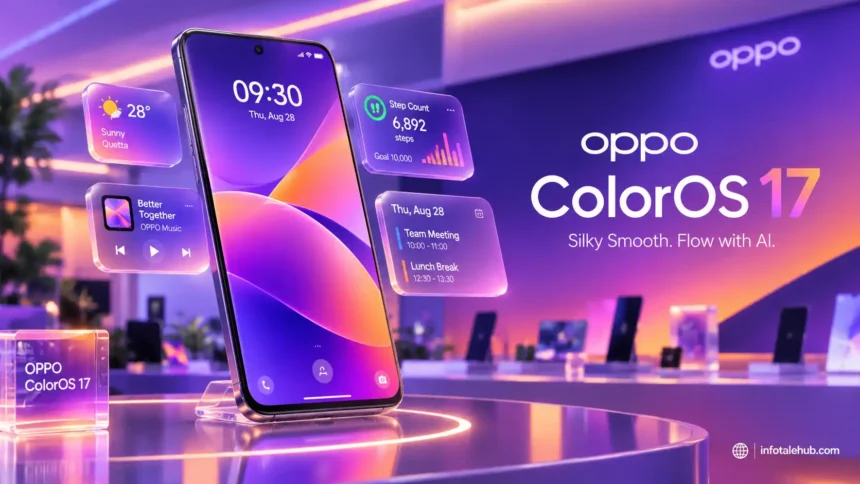
ColorOS 17 brings a unique visual style. It competes directly with Samsung software. To read more about rival mobile interfaces, check our Samsung One UI 9 Review. Is this update a true mobile revolution? Or is it just rebranded Android 17 marketing? Let us take a closer look at what makes it special. Retail customers always ask about these major software changes. They want to know if their device will get faster. They also care about battery backup and new camera tools. Software updates define the modern smartphone experience today. Major tech brands try to outdo each other with every single release cycle. Understanding these dynamics helps buyers make informed choices when purchasing new phones.
Visual Immersion: The Luminous Effect & Living Flow Design
The interface feels very alive. Oppo and OnePlus reworked the entire tactile interaction model for everyday mobile users:
- Immersive Luminous Visuals: The system UI provides depth. Translucent layers and light dynamics make navigation feel interactive. Users notice these fluid visual changes immediately.
- Aquamorphic Design 2.0: Water-inspired elements feel natural. Soft gradients minimize eye strain during long usage. This design language improves overall user comfort during night reading sessions.
- Dynamic Clock Styles: Deep customization is a major highlight. Clock typography renders behind image depth layers. Lock screen personalization reaches completely new heights.
- Fluid Cloud: Live updates pop up in an animated capsule. It is smooth and responsive. Notifications do not block your workflow anymore.
- Redesigned Control Center: Quick settings are cleaner. One-handed use is much easier now. Daily toggles require fewer taps than before.
Next-Gen AI Features: Smart, Practical & Fast
Artificial Intelligence is deeply integrated into ColorOS 17. It helps users with daily productivity tasks:
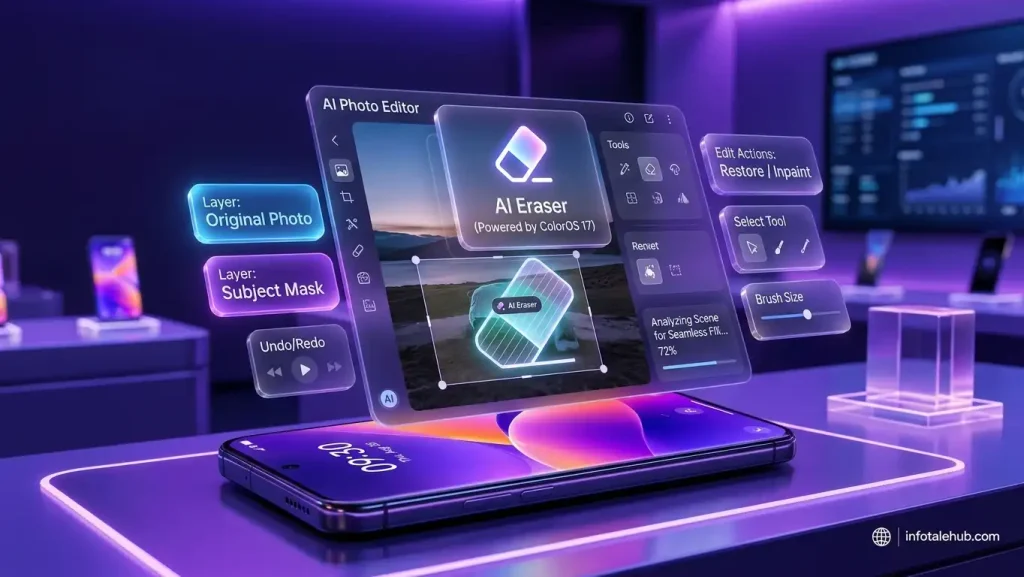
- AI Eraser 3.0: This tool removes unwanted background objects easily with high precision. Photos look clean without professional editing software knowledge.
- AI Reflection Remover: It instantly erases glass reflections from window photos. Travelers find this camera tool extremely useful.
- AI Detail Enhancer: It upscales blurry photos to look sharp and crisp. Low-resolution images get a second digital life.
- AI Summary: It summarizes long PDFs and web pages quickly. Busy professionals save hours of reading time every single week.
Performance & Battery: The Luminous Rendering Engine
The backend architecture gets a massive performance boost for long-term device stability:
1. Rebuilt Luminous Rendering Engine
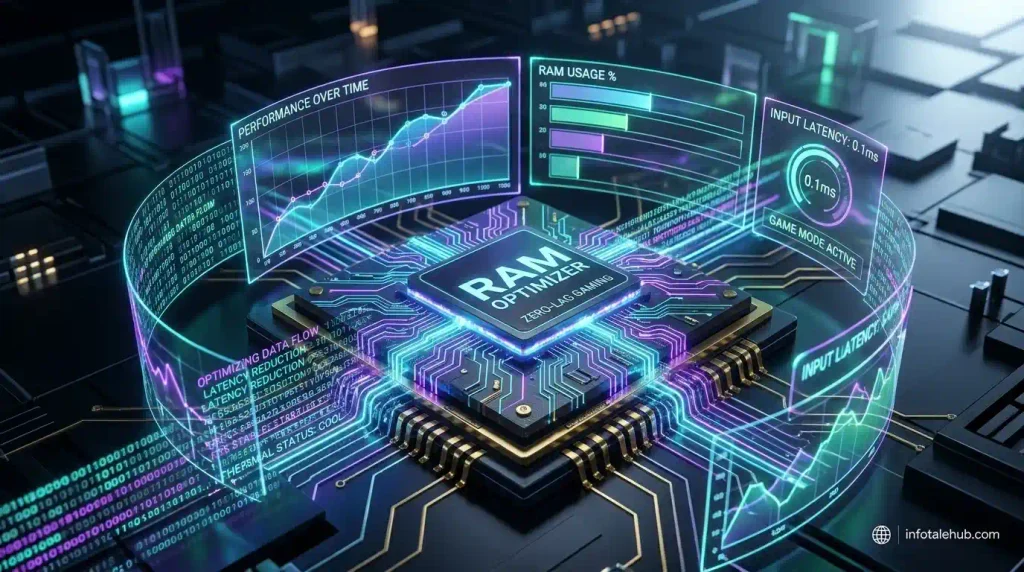
The rendering engine cuts RAM workload by 30%. Visual transitions are 25% smoother. Device heating issues are minimized during heavy multitasking workloads.
2. Trinity Engine Upgrade
It manages CPU and GPU resources in real time. It prevents frame drops during heavy gaming. Gamers get stable frame rates across demanding titles.
3. Advanced Animation Physics
Touch response is instant. App launches are significantly faster right after updating. The hardware feels more responsive than ever before.
4. Smart Battery Management
Strict background controls boost battery life. Initial builds might show minor calibration variance in the first week. Long-term screen-on time improves noticeably.
Enhanced Privacy & Security Upgrades
User privacy receives essential upgrades in this release:
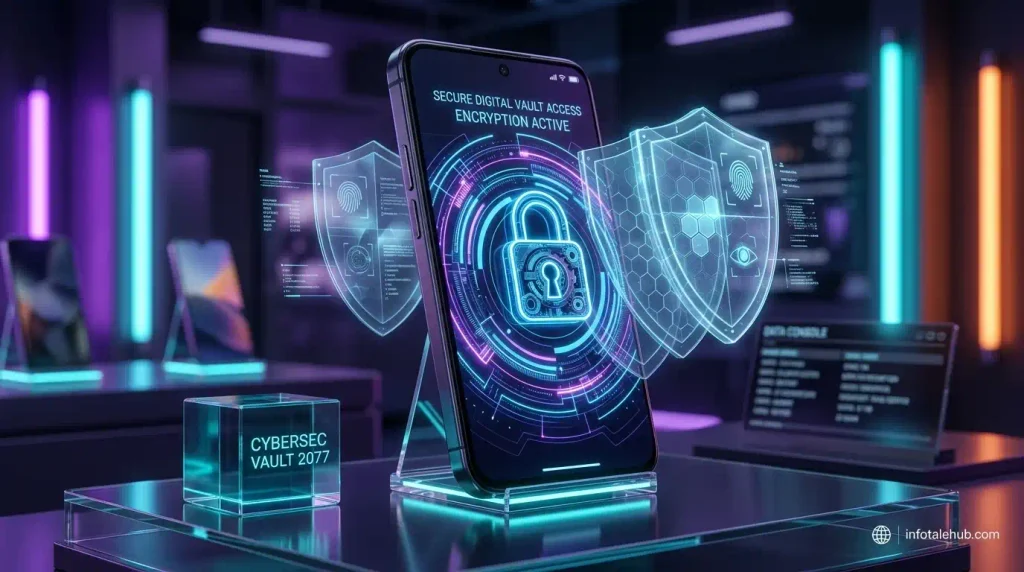
- Private Safe 3.0: This encrypted vault locks sensitive files and private apps. Unauthorized users cannot access your confidential documents.
- Clipboard Protection: It prevents malware from stealing copied text. For comprehensive safety tips, check our Complete Online Anonymity Guide.
- Transparent Permission Manager: A clean dashboard tracks camera and microphone access. You always know which app uses your hardware sensors.
The Big Comparison: Beating One UI 9 & Boosting Older Hardware
ColorOS 17 emphasizes fluid physics. Samsung focuses on minimalism. Both approaches cater to different user preferences in the global market.
ColorOS breathes fresh performance into older eligible smartphones. Real-world results show smoother animations and better memory retention on multi-year-old hardware. Upgrading keeps your older phone relevant for a longer period.
Final Verdict: Is ColorOS 17 Worth the Upgrade?
ColorOS 17 improves the daily user experience. Luminous visual depth and useful AI tools make your device feel brand new. Updating to the stable build is highly recommended once it arrives in your region!
Always ensure you back up your files before proceeding with major system updates.